Issue secure documents without a subscription

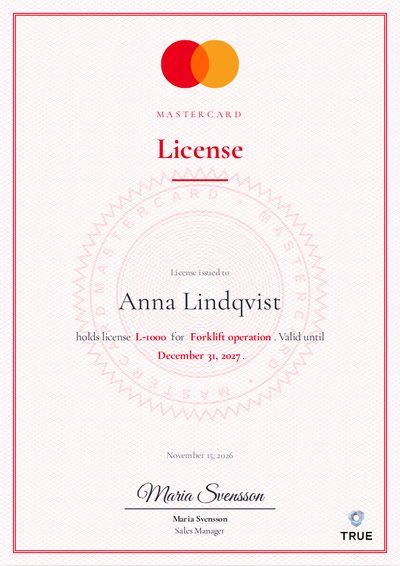
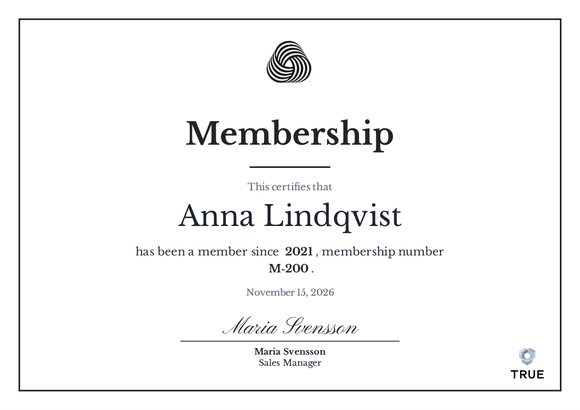
Send verifiable certificates, attestations, diplomas, memberships and licenses that cannot be lost, forged or destroyed.


3 EUR per diploma
Send to your whole list at once. Design one document and paste names and emails from Excel, and every recipient gets their own document with their name on it. You review without paying and pay only when you are happy, right before the documents are sent. Over 100 EUR you can pay by invoice.
Karolinska InstitutetKTHSkanskaEYMentimeterTV4CramoPreemSaint-GobainSvenska institutet

The benefits of secure digital documents

1
Cannot be lostThe recipient can reach their diploma digitally at any time and download it as a PDF.
2
Cannot be forgedEvery diploma can be verified, even a printed one through the QR code.
3
Cannot be destroyedThe diploma is secured with blockchain technology and can be verified forever.

1What do you want to issue? Choose at no cost

Pick the closest match. We fill in a suggested text and fields, and you can change everything in the next step.

2Design the document Design at no cost

Everything on the document can be edited: click the text and type. The controls on the right set the logo, color, font and shape.

This is best done on a computer, for a clear overview.

TRUE
Example Company Ltd
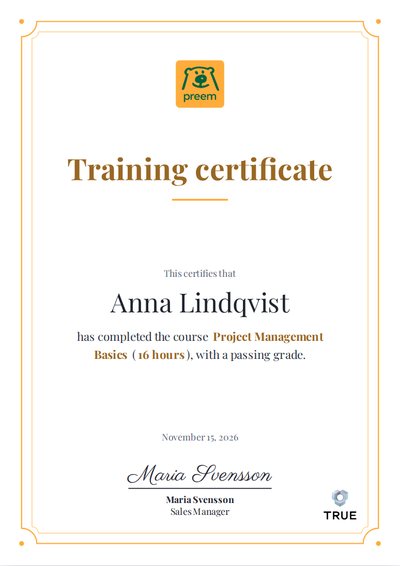
Training certificate
This certifies that
Anna Lindqvist
has completed the course Course (Duration), with a passing grade.
November 19, 2026
Maria SvenssonSales Manager
Erik JohanssonCEO
The name on the document is replaced with each recipient's name when the diplomas are sent. The digital version has the TRUE logo in the corner. On the PDF, which can be printed, a QR code is added next to the logo. Anyone who scans the code lands on the original document online, where it can be verified as genuine.
Appearance
27 fonts from Google Fonts. A custom font may come later.
Content
Pick any date, for example the day of an event. The issue date is always added by TRUE next to the diploma.
Click a text on the document and press a field. While you type, the field shows as {Name}, and when you are done as the value. Each recipient gets their own value.
DetailsBackground, pattern, watermark, text size and spacing
If the text does not fit, the document first shrinks the spacing and then the text, automatically.

3Add recipients Add recipients at no cost

Choose how many diplomas you want to send and paste your list straight from Excel. You do not need a file.

  1. Select the cells in your Excel sheet and copy (Ctrl+C or Cmd+C).
  2. Click the first cell under Name below and paste (Ctrl+V or Cmd+V).
  3. Columns beyond name and email become fields you can use on the diploma.

4Send the documents by email

Every recipient gets their own email with their diploma. The email is sent from [email protected].

1
You payYou get a receipt and can see who has received a diploma.
2
The email goes outTo every email address in your list, with the recipient's name.
3
The recipient receives itThe diploma arrives by email and opens with one click. After accepting GDPR, a PDF to download and print is also available.
4
The document is verifiableThe digital one through the link, the printed PDF by scanning the QR code on the document. You reach the original online and verify it there.
From: Example Company Ltd via TRUE <[email protected]>To: Subject: You have received a diploma: Training certificate

Hi Anna,

Example Company Ltd has issued a diploma to you. Once you have opened it, you can also download a PDF to print.

Open the diploma

Example of the email. The wording itself is a proposal and not final.

5Happy? Pay and send right away!

This is what the diploma looks like. To change something, go back up. Nothing has been paid or sent yet.

Edit the design
This is what the document looks like for Anna Lindqvist. Everyone else gets the same document with their own name.
Number of diplomas0
Price per diploma3 EUR
Total0 EUR
SendingRight after payment
Who is sending the documents?
Email is not verified yet.
Outside Sweden: the organization's registration number or VAT number.
Payment
You get a receipt by email. You can use it to claim reimbursement, and you can pay with a company card.
Invoice is offered when the total is over 100 EUR.

Pay is activated only when the email is verified and the box about the right to issue is ticked.

6After sending

You who issue

Your design is saved. The receipt email has a link that opens the same document, so you can send more without starting over.

Give us feedback

Feel free to contact us and tell us how we can improve our service.

Contact us